Product experience
Create & publish
Keep the canvas clear and make publishing straightforward, especially on mobile.
For a publishing platform, the creation experience is a core part of the product. I kept the interface restrained, giving the writing area room and making the path from an idea to a published work easy to follow.
A focused editing experience
Copus uses a customized editor built on Lexical. Its extensible foundation lets us adapt the toolbar and add capabilities as creators’ needs evolve. My focus was deciding what belongs in view and keeping the interface clear as those capabilities grow.
Mobile creation as a core flow
Many people browse—and write—on their phones. I refined the creation and publishing flow for a smaller screen, preserving space for the content while keeping the controls within reach.
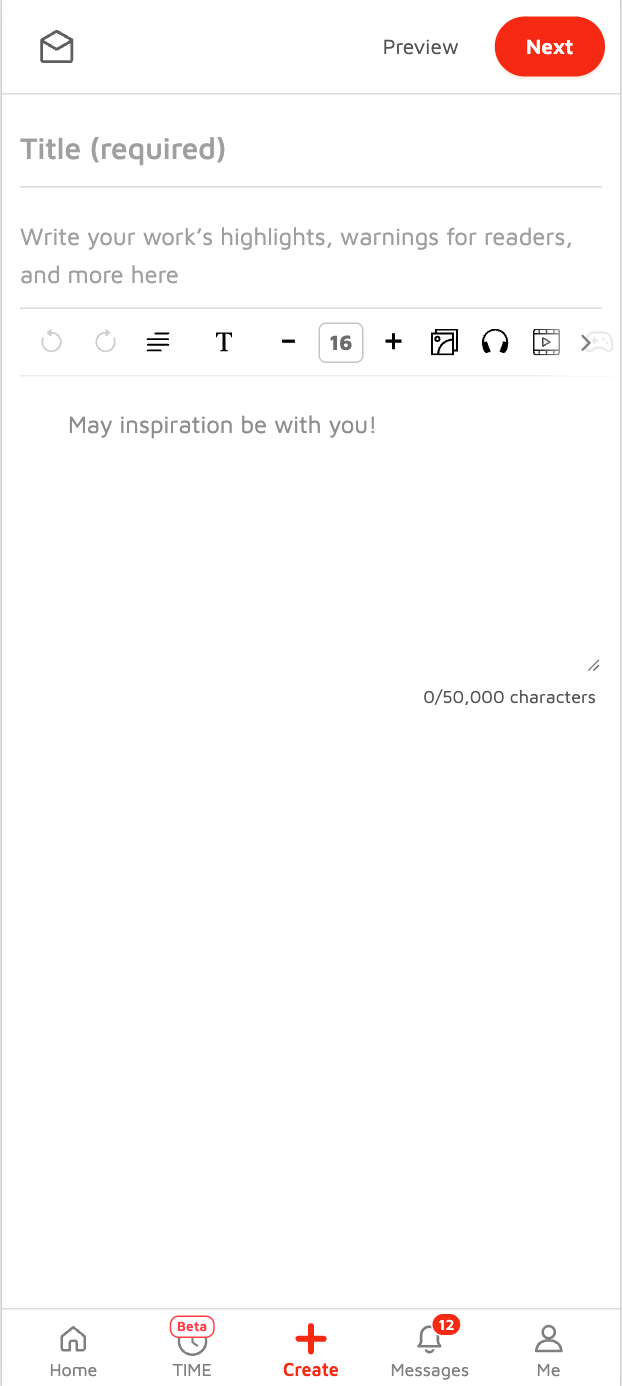 Write & edit
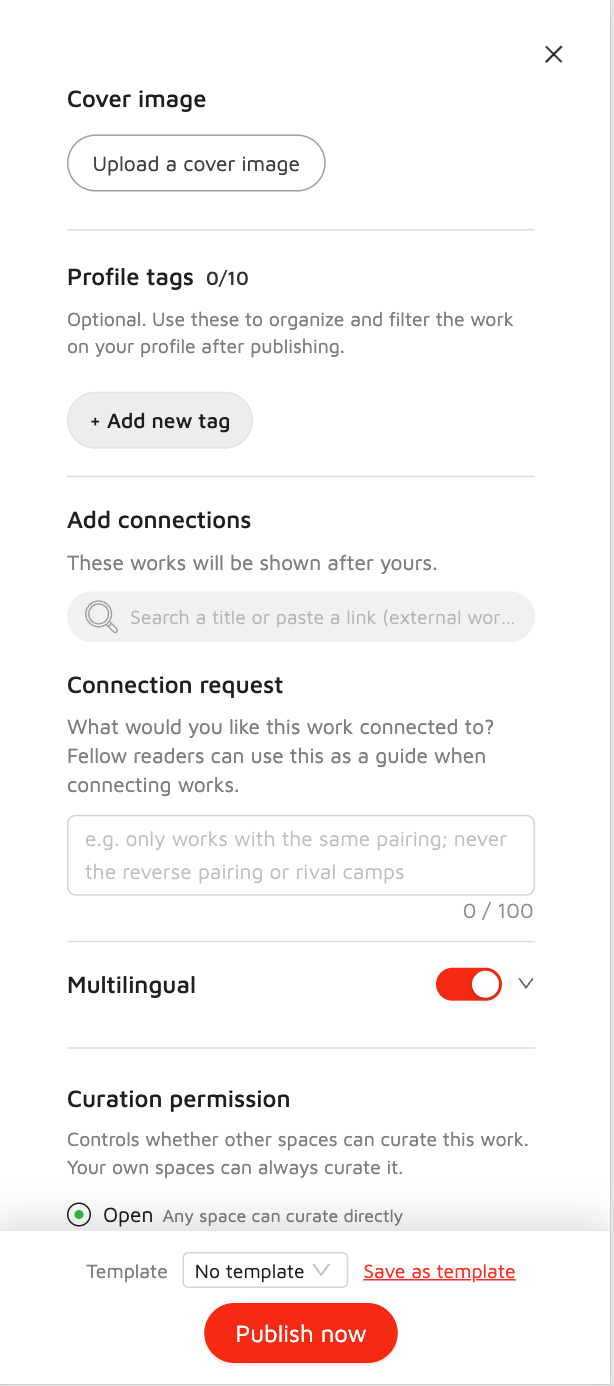 Prepare to publish
Discover content
Offer a way to discover work beyond a personalized recommendation feed.
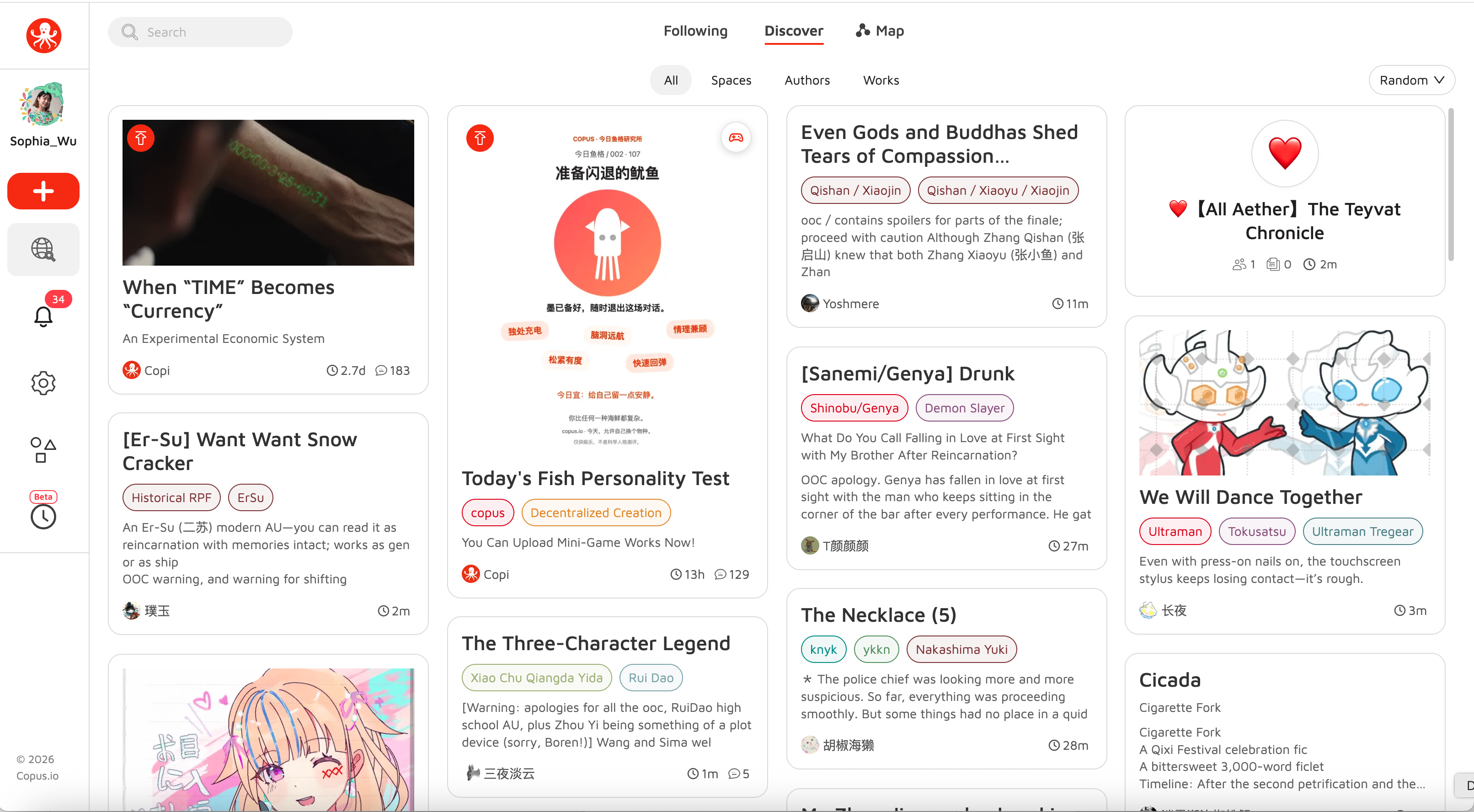
Discover is where people first encounter what Copus carries. We wanted it to support exploration while letting people decide how they browse.
Random discovery, with more focused alternatives
Chronological ordering can bury older work; popularity-based ordering can keep already-visible work at the top. We made random ordering the default to create another route into the collection. Following and search give people more focused paths when they know what they want.
Cards that adapt to the content
A large image alone would favor visual work, while long excerpts would favor writing. For text-only posts, the card shows more of the writing. For image-and-text posts, a cover and a short excerpt provide a useful preview of both.
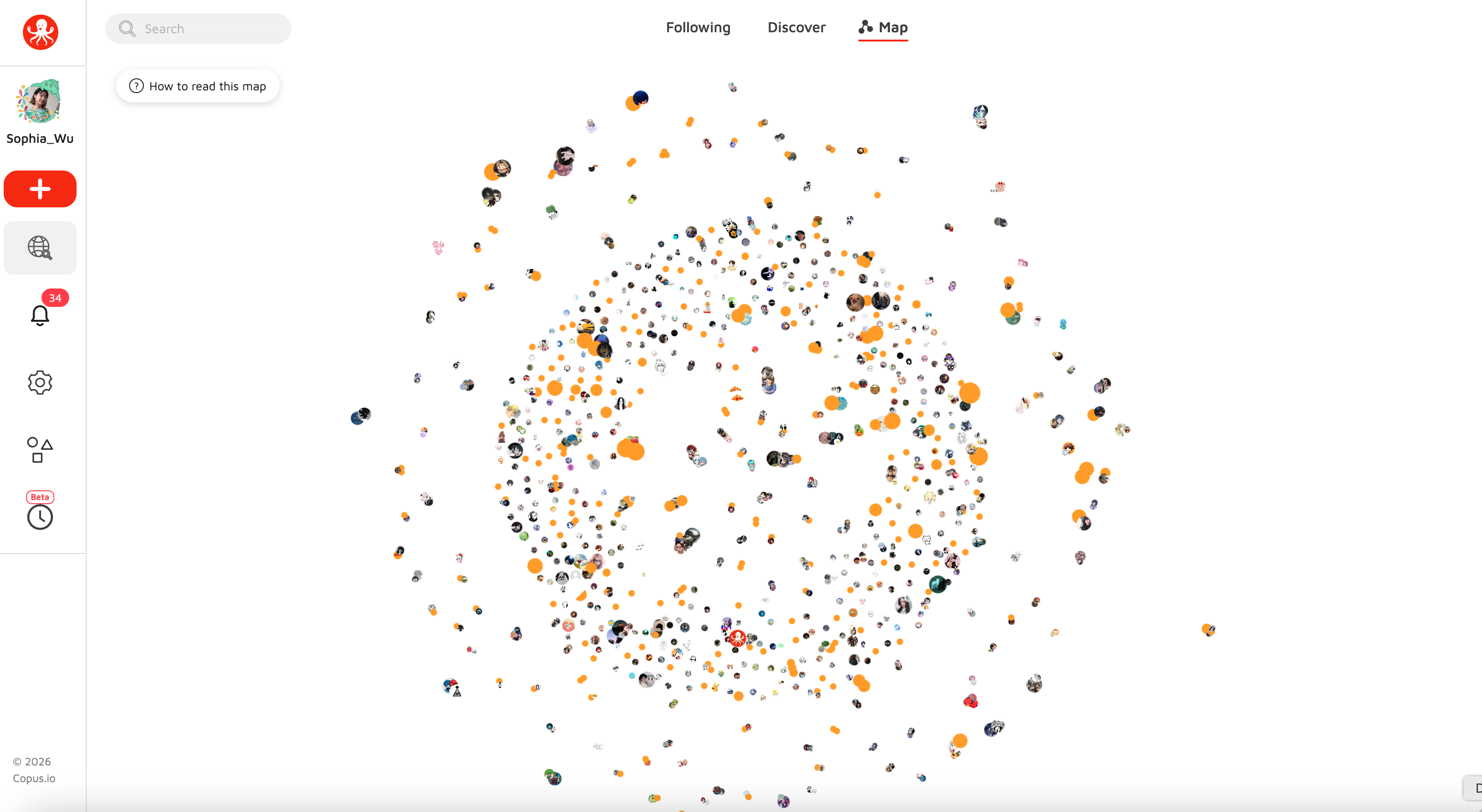
Build a space
Bring works, personal pages, and communities into one familiar structure.
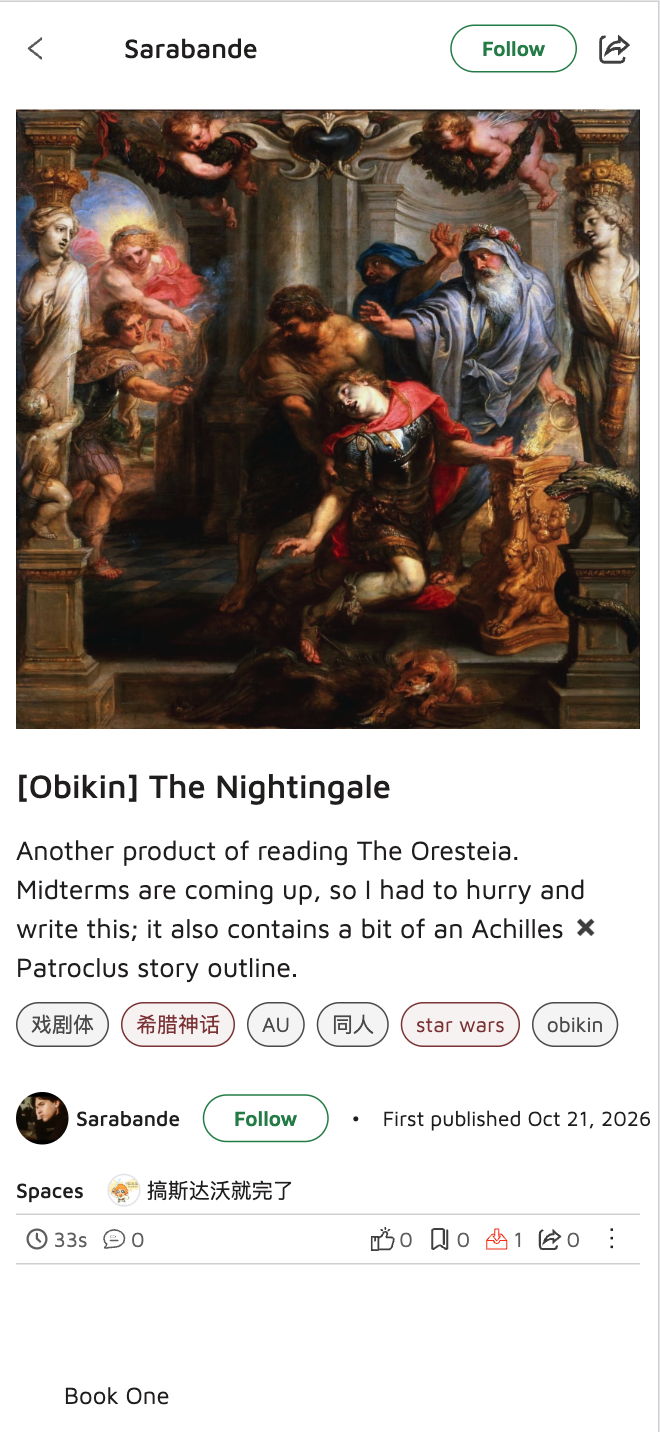
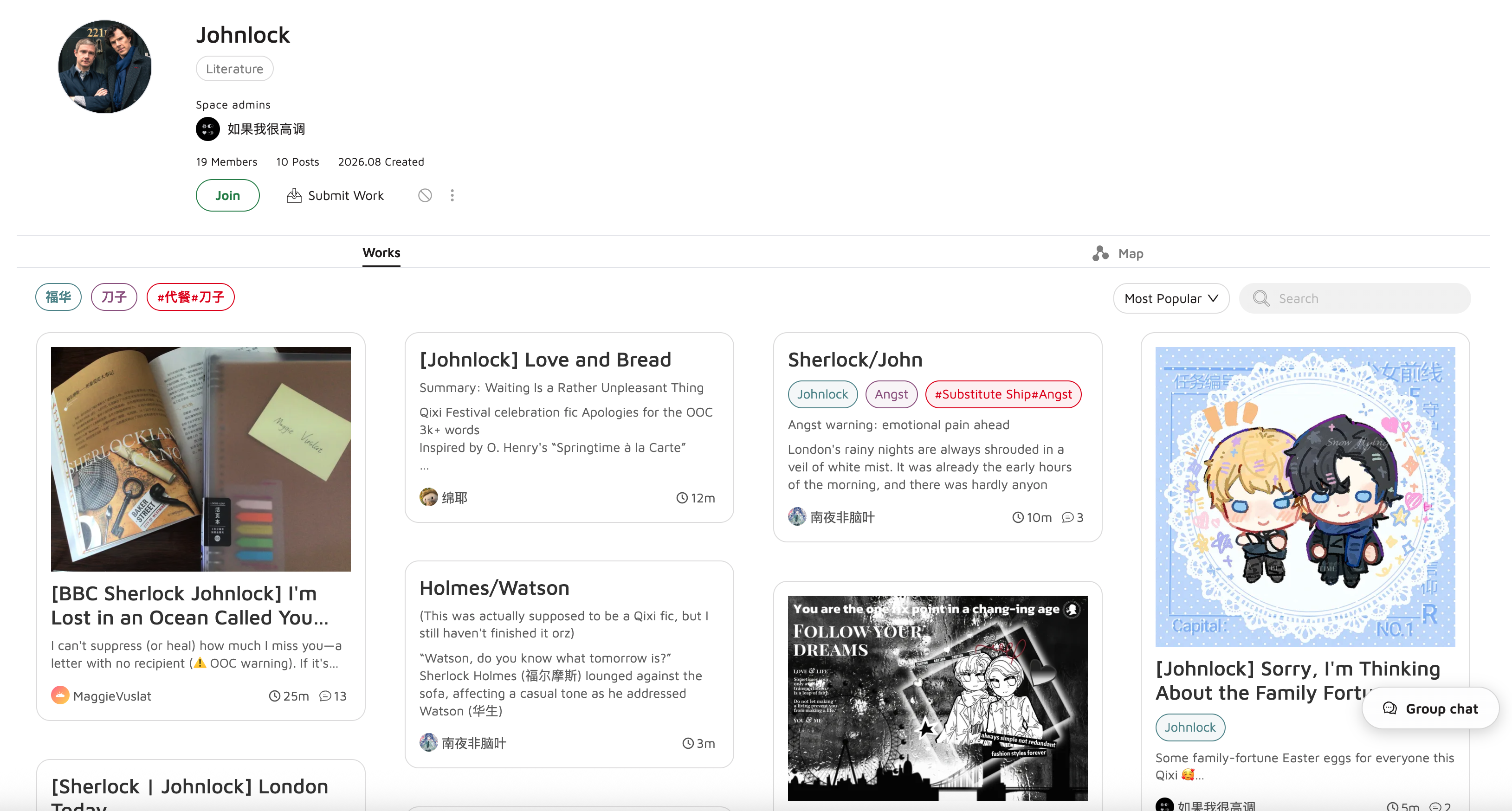
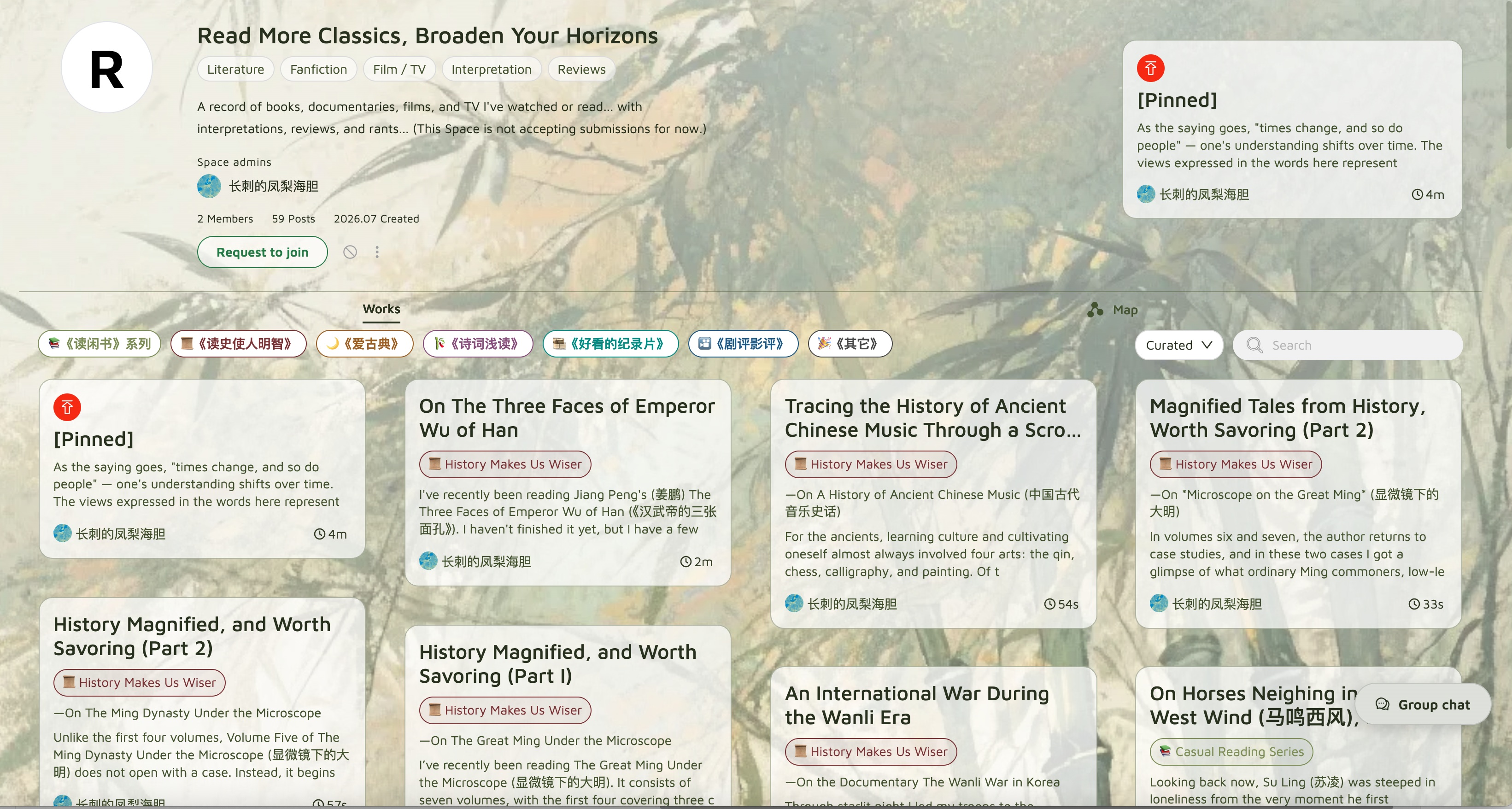
Spaces let people gather around a topic, curate works, and build a community. The design challenge was making the relationship between a work, its creator, and the spaces it belongs to easy to understand.
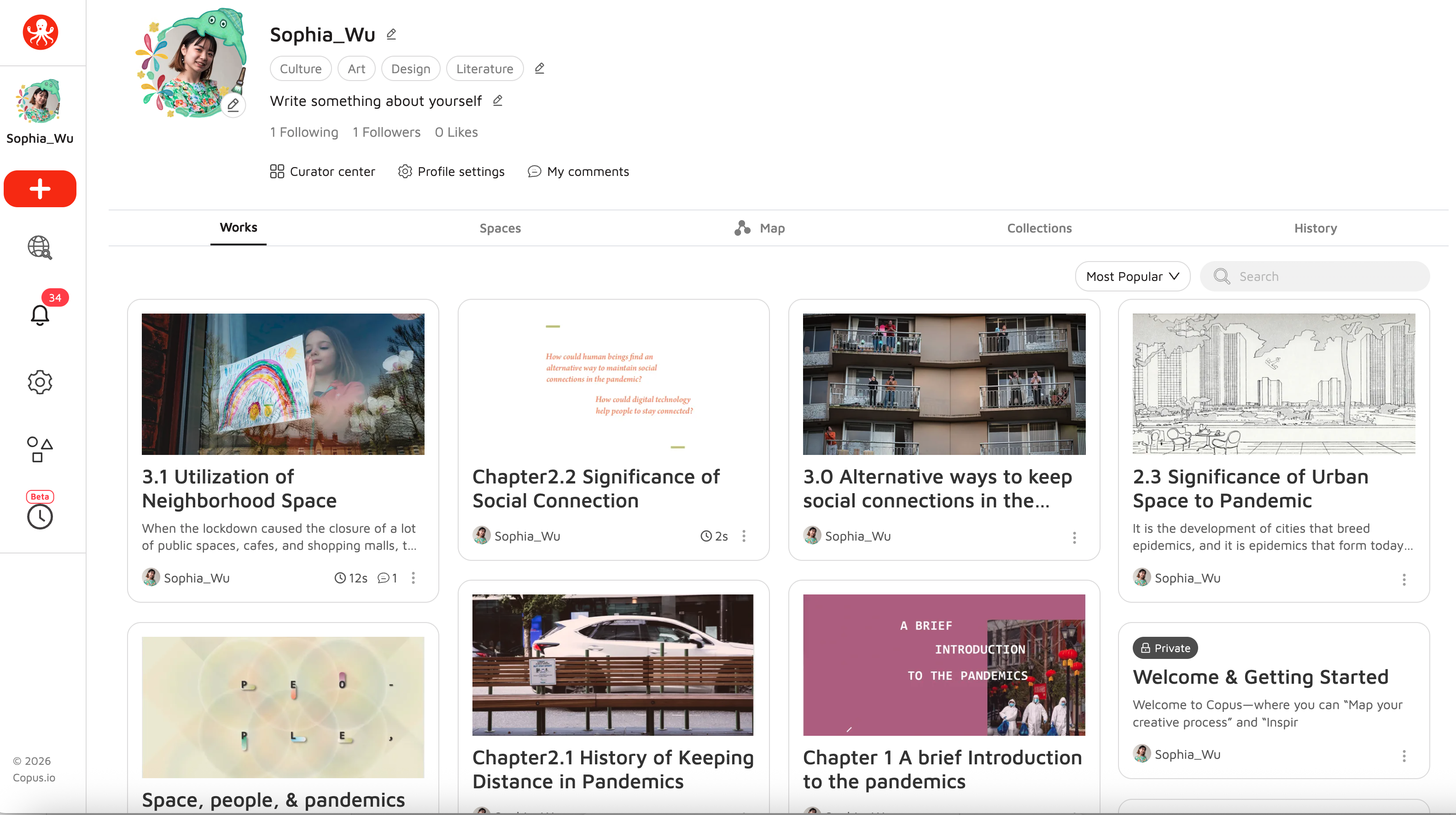
One structure for profiles and communities
We chose to treat a personal page as a type of space. The context changes, but the underlying organization stays familiar, so people do not need to learn two separate systems.
Control over access and expression
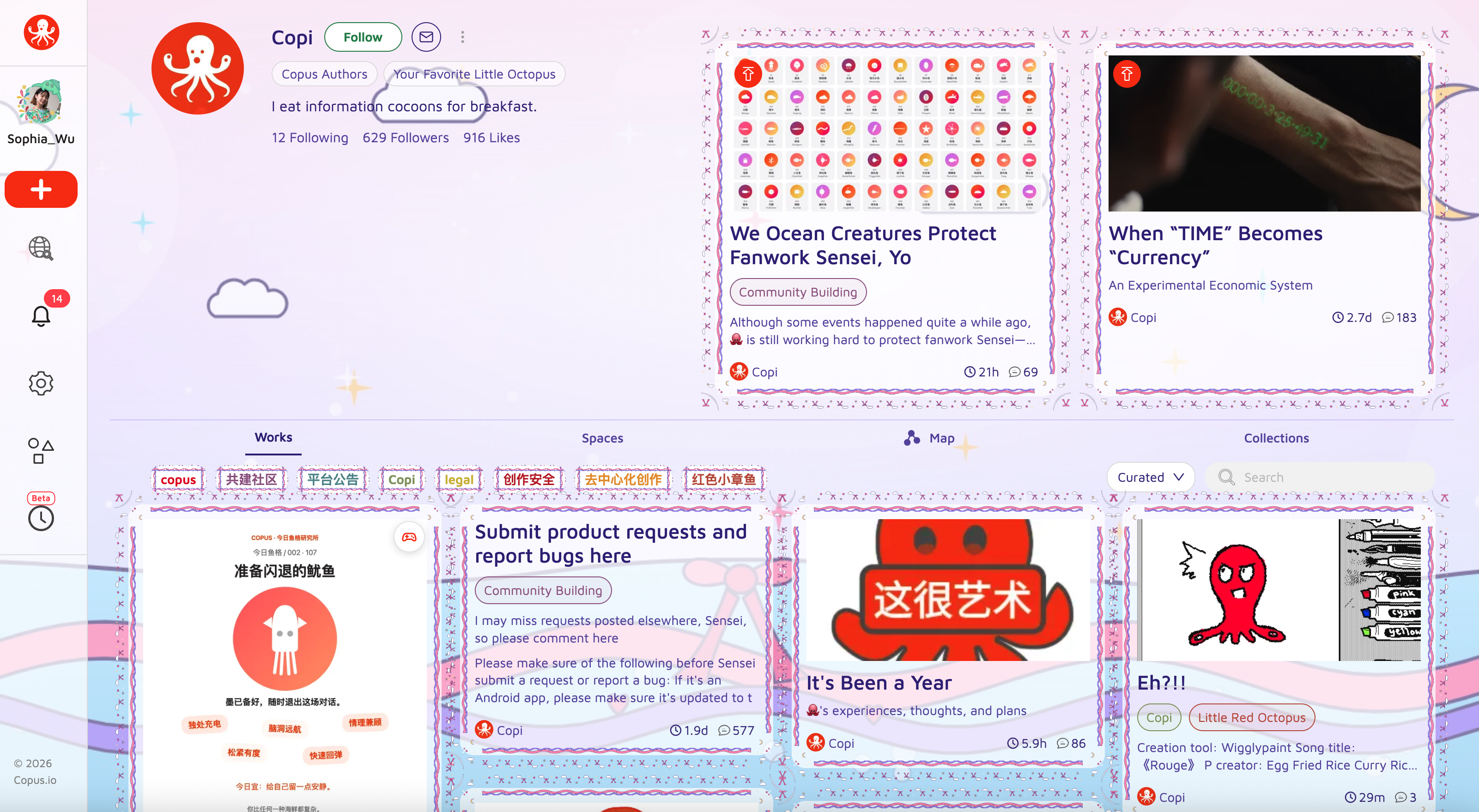
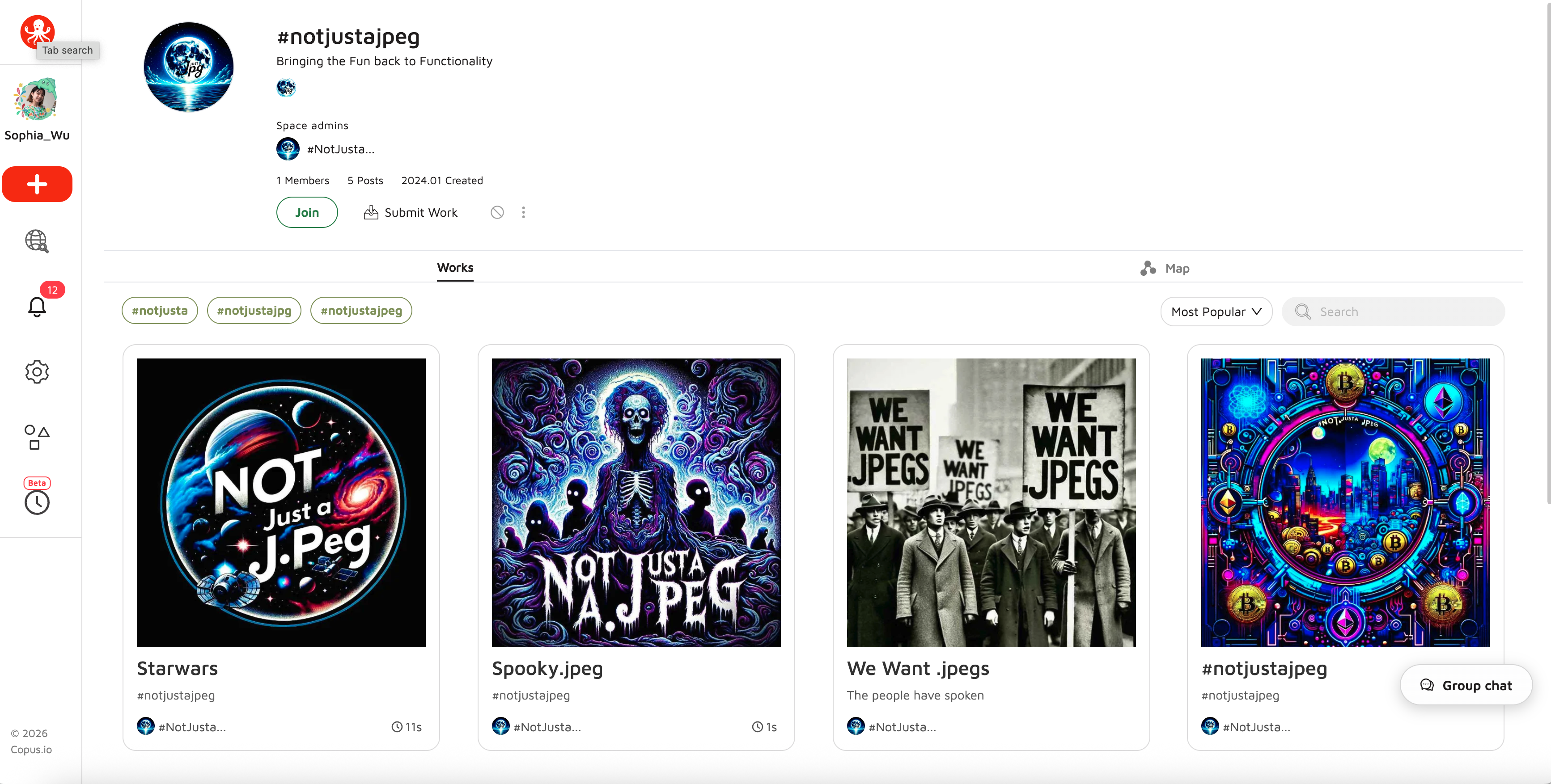
Open, exclusive, and private spaces let communities choose their boundaries, including participation and curation. Decoration gives people another layer of ownership: they can make a space feel like their own.
TIME: recognizing attention
Make the time people give to an experience visible as value for its creator.
TIME explores a recurring question for Copus: how can creators benefit from the experiences they provide? The foundation is simple—time spent with an experience has value, and that value should flow to the person creating it.
1 second of experience
Value flows through everyday actions
Reading a work transfers TIME to its author. Reading a comment transfers TIME to the commenter. Exploring a space supports its administrator. Creating and editing do not consume TIME.
- Read a work
- → Author
- Read a comment
- → Commenter
- Explore a space
- → Space administrator
A ledger that makes contributions tangible
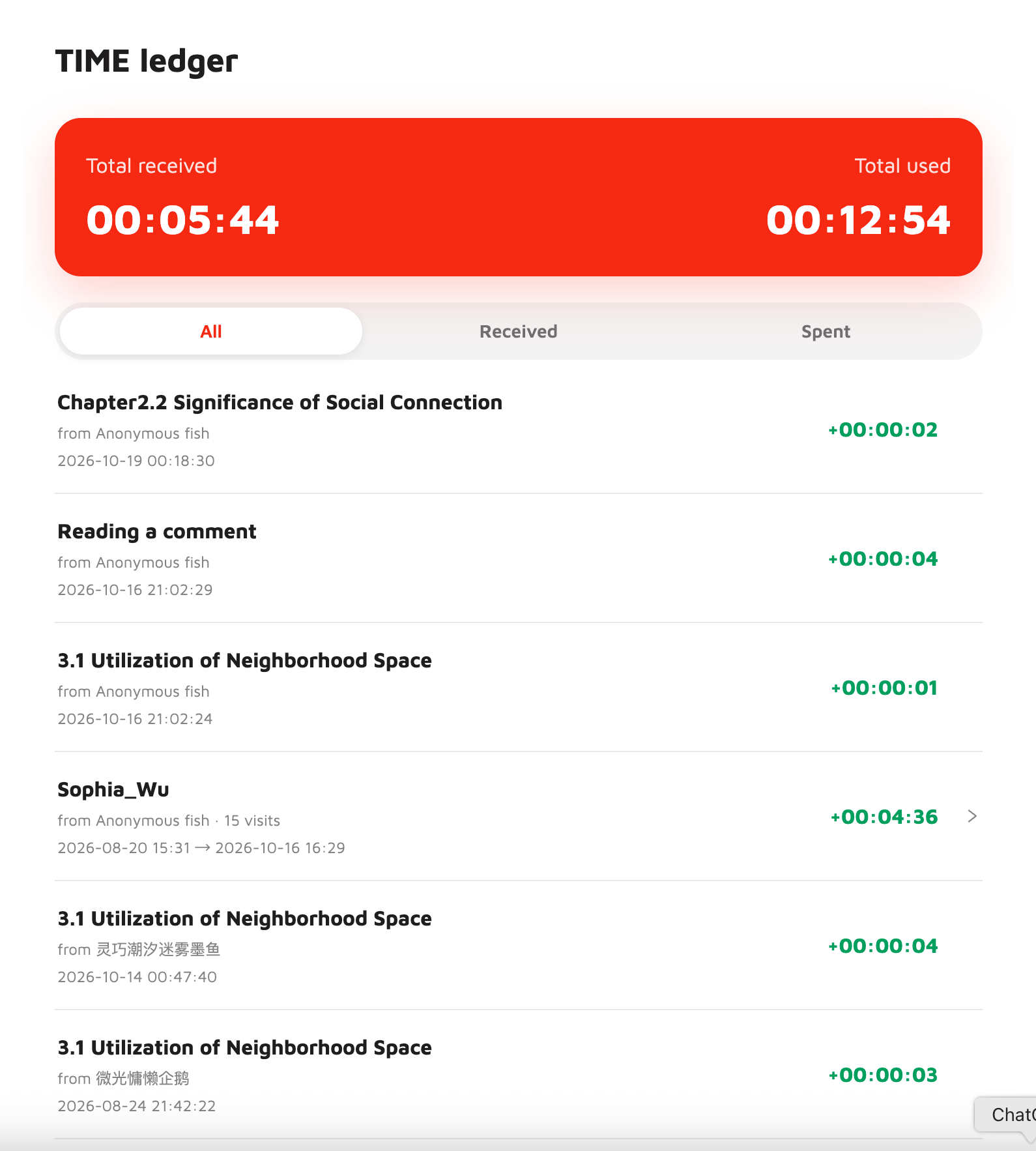
Each work displays the total TIME people have spent engaging with it—even when readers do not leave a like or comment. The personal Time Ledger shows who contributed time, how much they contributed, and a record of TIME received and spent.
Direct gifts and a longer-term economy
People can also gift TIME by long-pressing someone’s avatar or username. The proposed sponsorship model extends the exchange: advertisers would purchase TIME from creators and offer it to audiences through optional sponsorships. Cross-product use remains a longer-term direction.
Copus.network
A separate experiment in discovering the internet through other people’s taste.
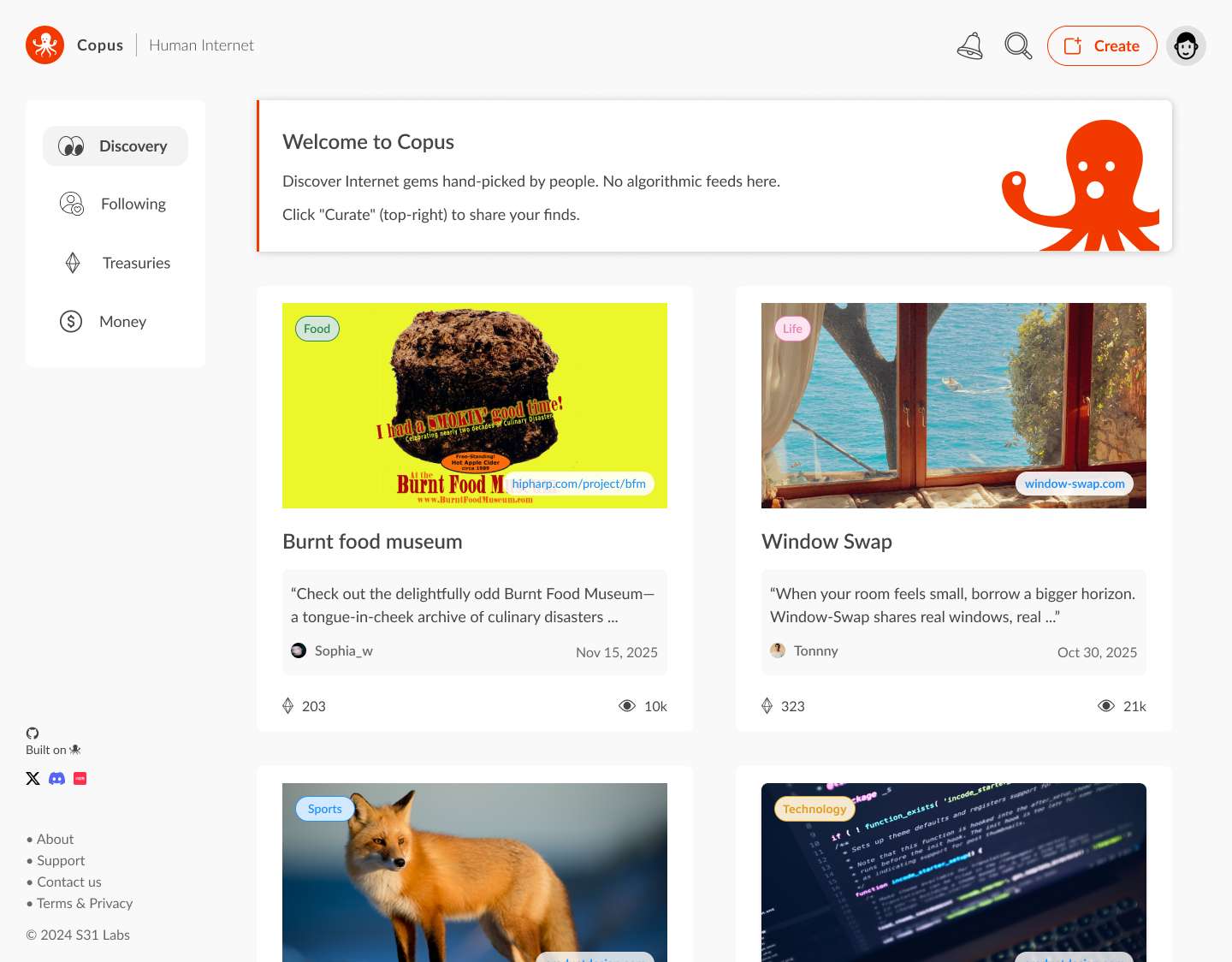
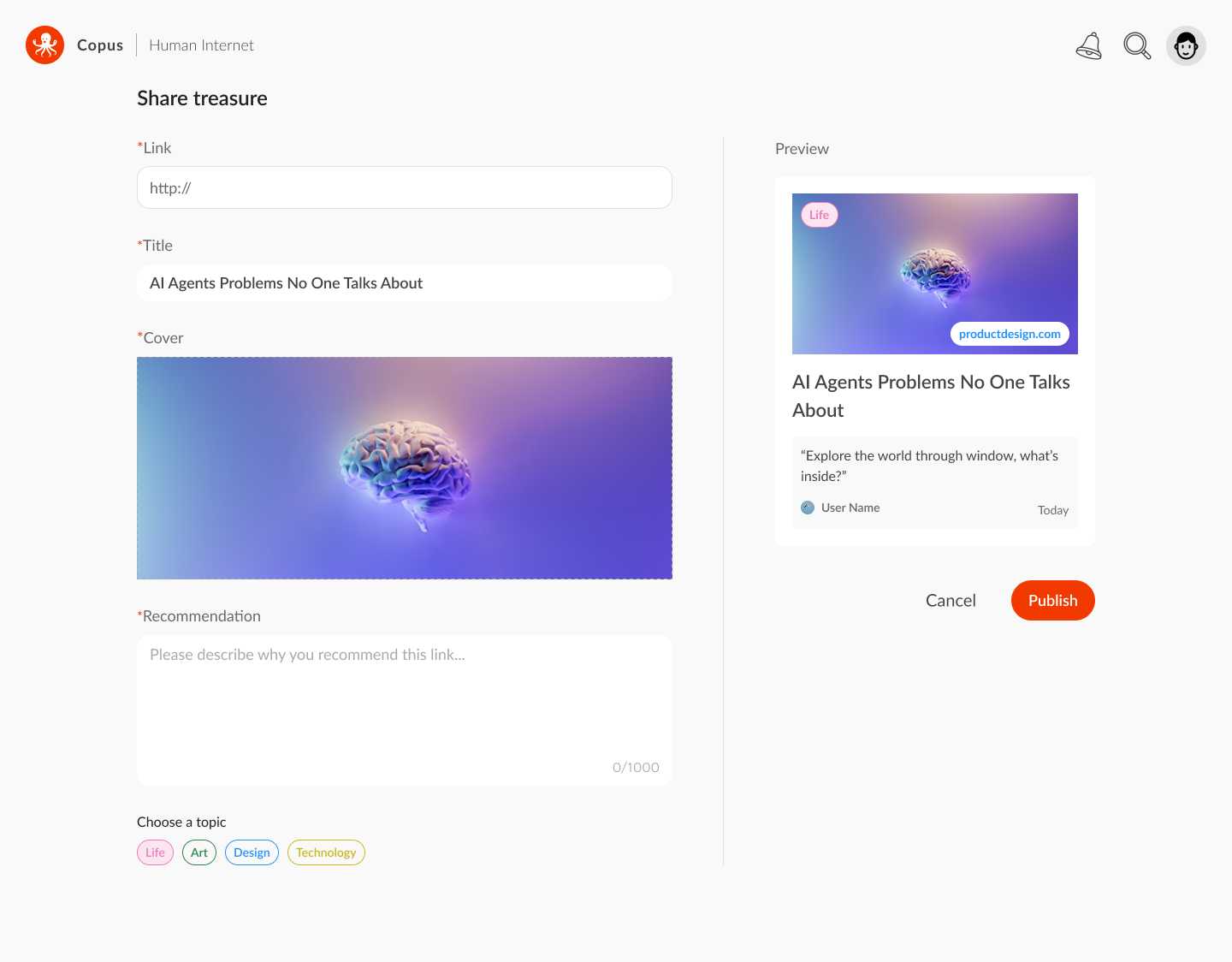
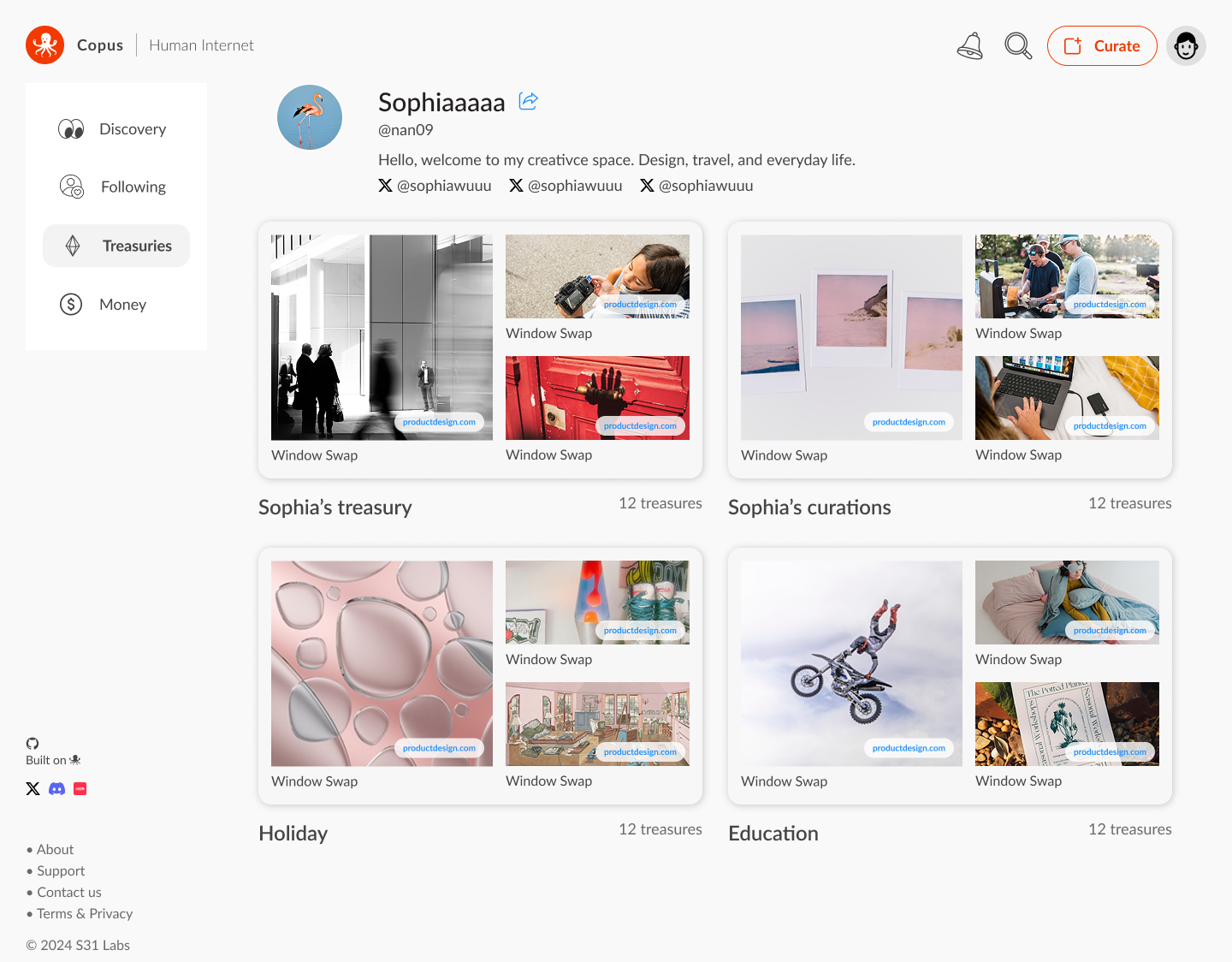
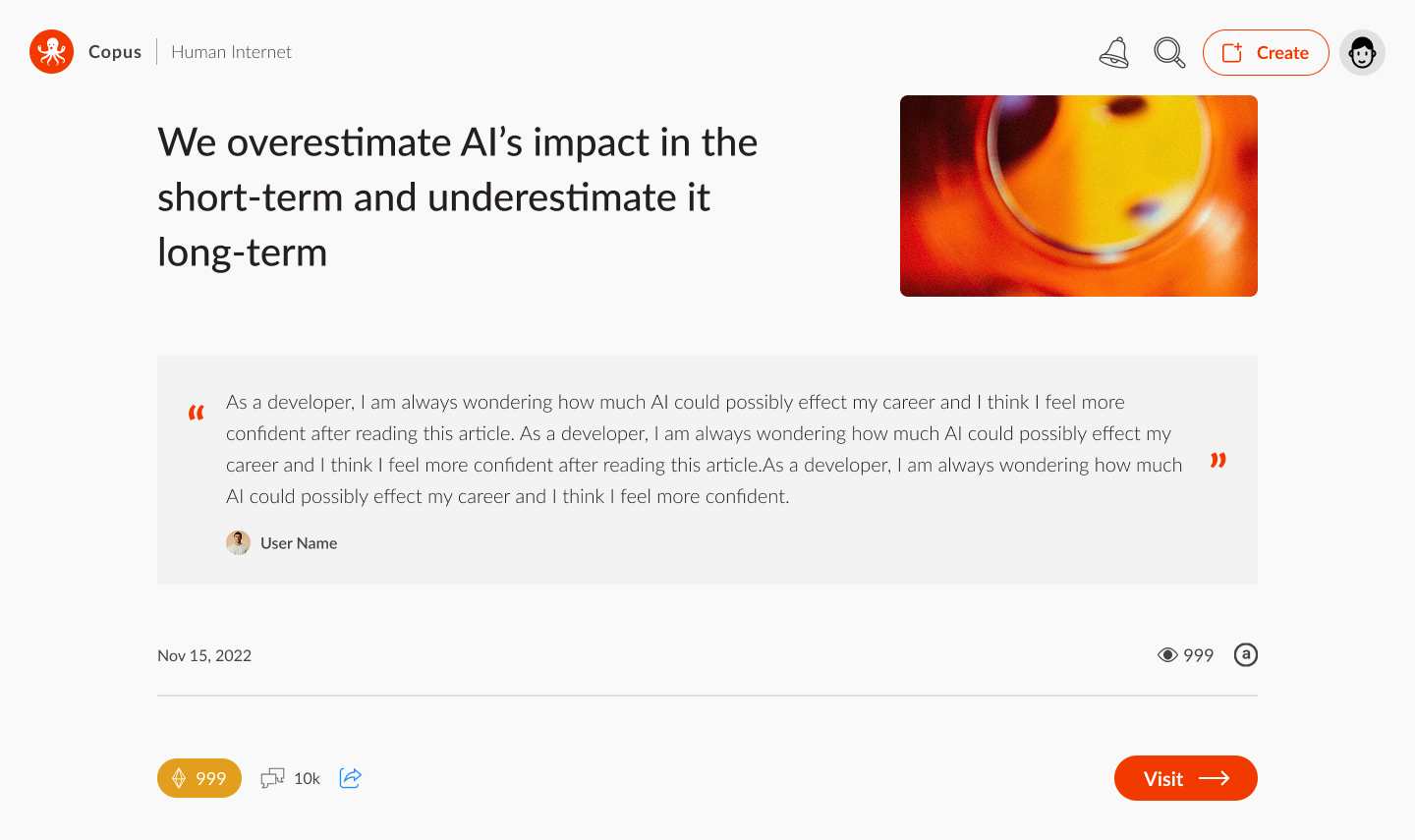
Copus.network is a related link-curation project that we took from design to publication in around two months. It pairs a browser extension for saving links with a platform for organizing and exploring other people’s discoveries: an internet treasure map built around human curation.
Save, organize, and share discoveries
The browser extension lets people save a link while browsing. On the platform, they can add context, organize links into treasuries, and follow the discoveries of other curators.
From design to release
Take responsibility for the experience all the way through to release.
In November 2025, our workflow changed. Without a dedicated development team, I began using AI coding tools to implement the changes I designed, inspect them in the browser, and carry them through QA and release.
From handoff to a direct build-and-review cycle
A design decision can now become something I can try in the product straight away. Whether it is a font-size adjustment, an interaction, or an animation, I can implement it, check the behavior, and refine the result. That makes the feedback loop shorter while keeping the product judgment and review in my hands.
Stay close to the community
Our social account grew to more than 20,000 followers, giving us a direct channel for requests and bug reports. Copi, our octopus character, became a recognizable point of contact. I could hear where someone was struggling, investigate it, and follow up after a change shipped.
Add a real user request, the design response, and the shipped change. Include the release date if available.
What changed for me
Copus expanded my practice from designing interfaces to taking responsibility for a working experience. AI shortened the path from an idea to something I could test. The essential work remained: understand the problem, decide what matters, and review the result with care.
If I were starting again, I would introduce this direct build-and-review cycle earlier. Being able to learn from the people using the product, then act on that learning, has been the most meaningful change in my process.